
ArithmeticPack - Lesson Slides and Work Booklet
See examples of generated ArithmeticPack slides
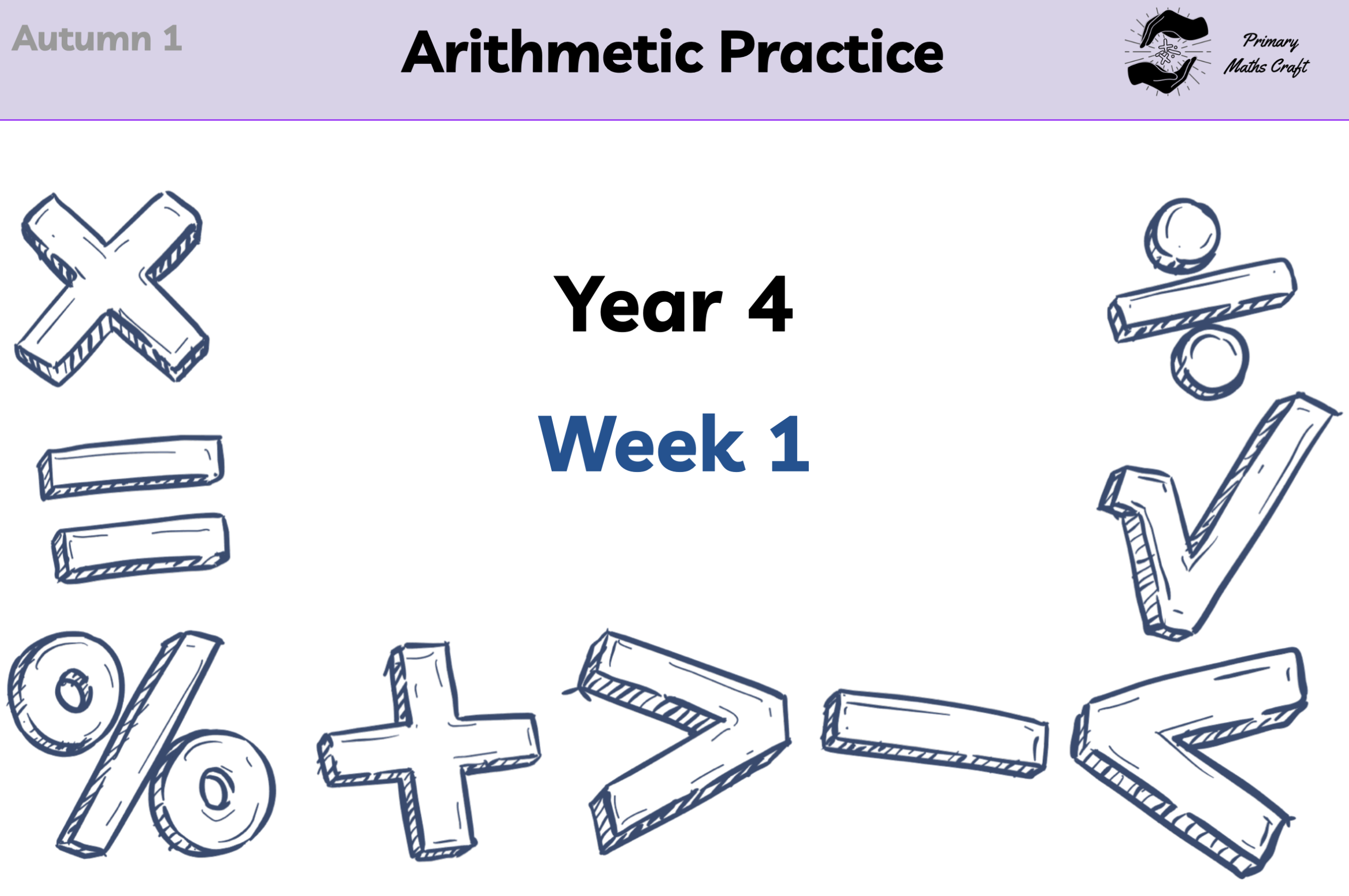
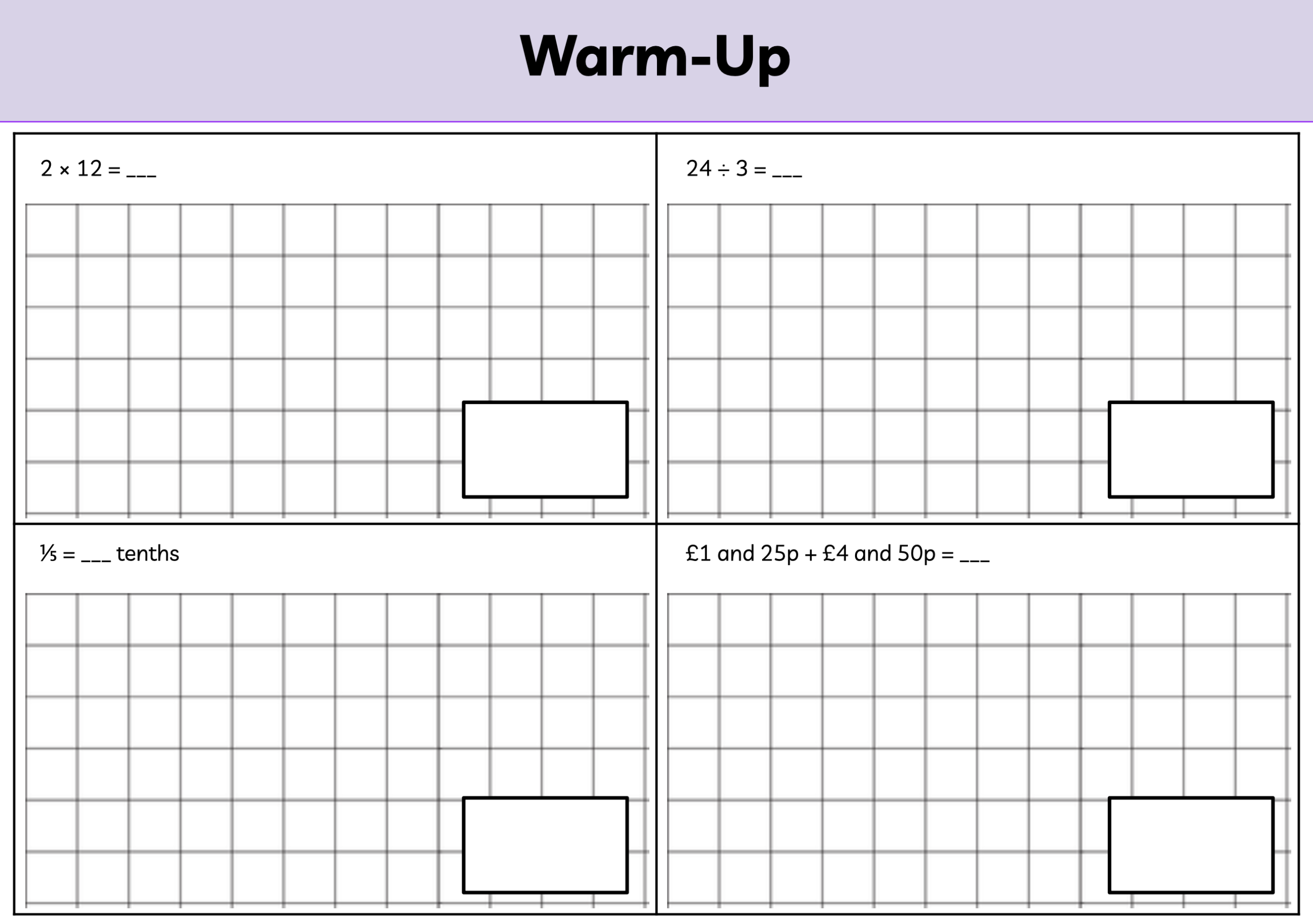
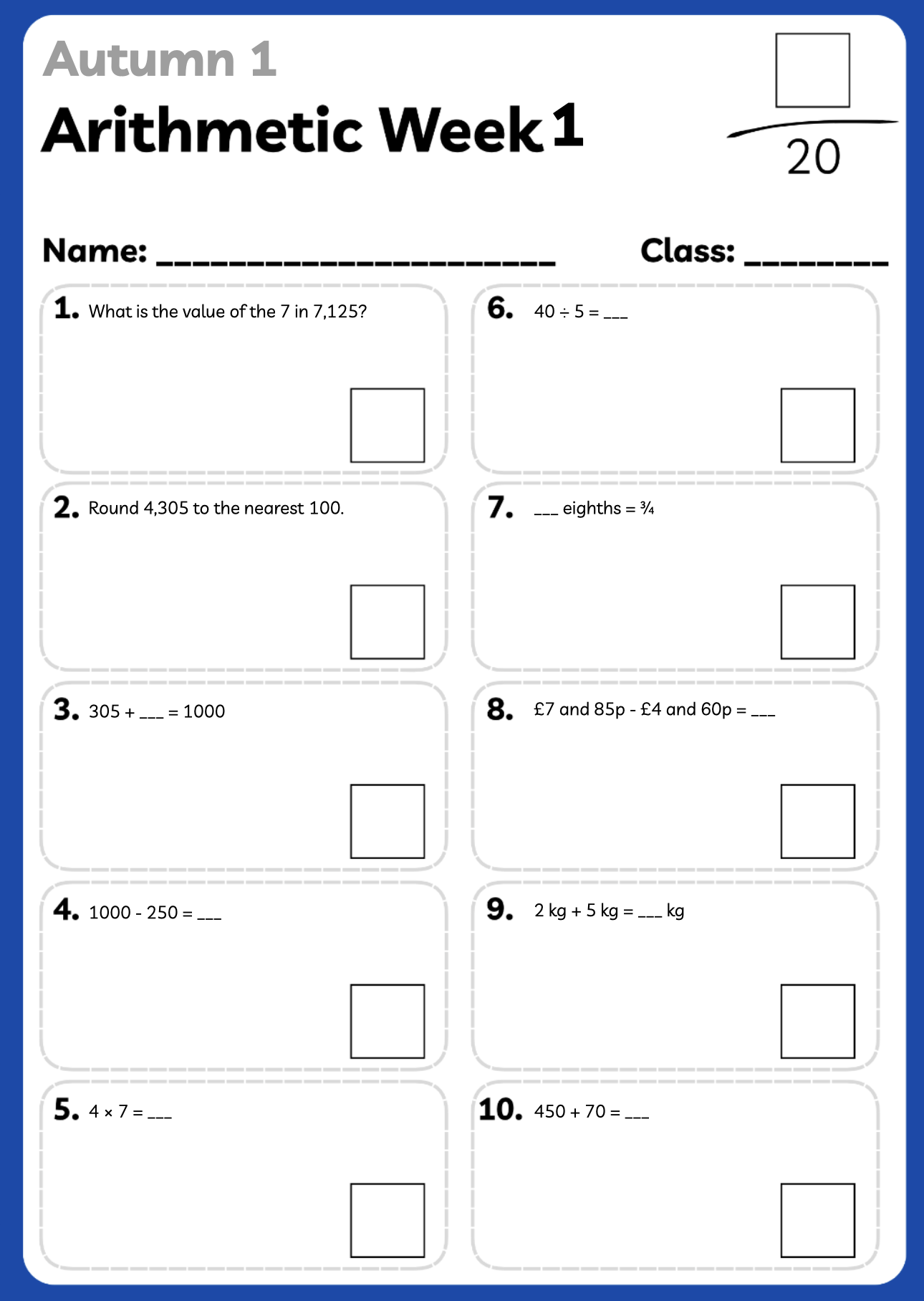
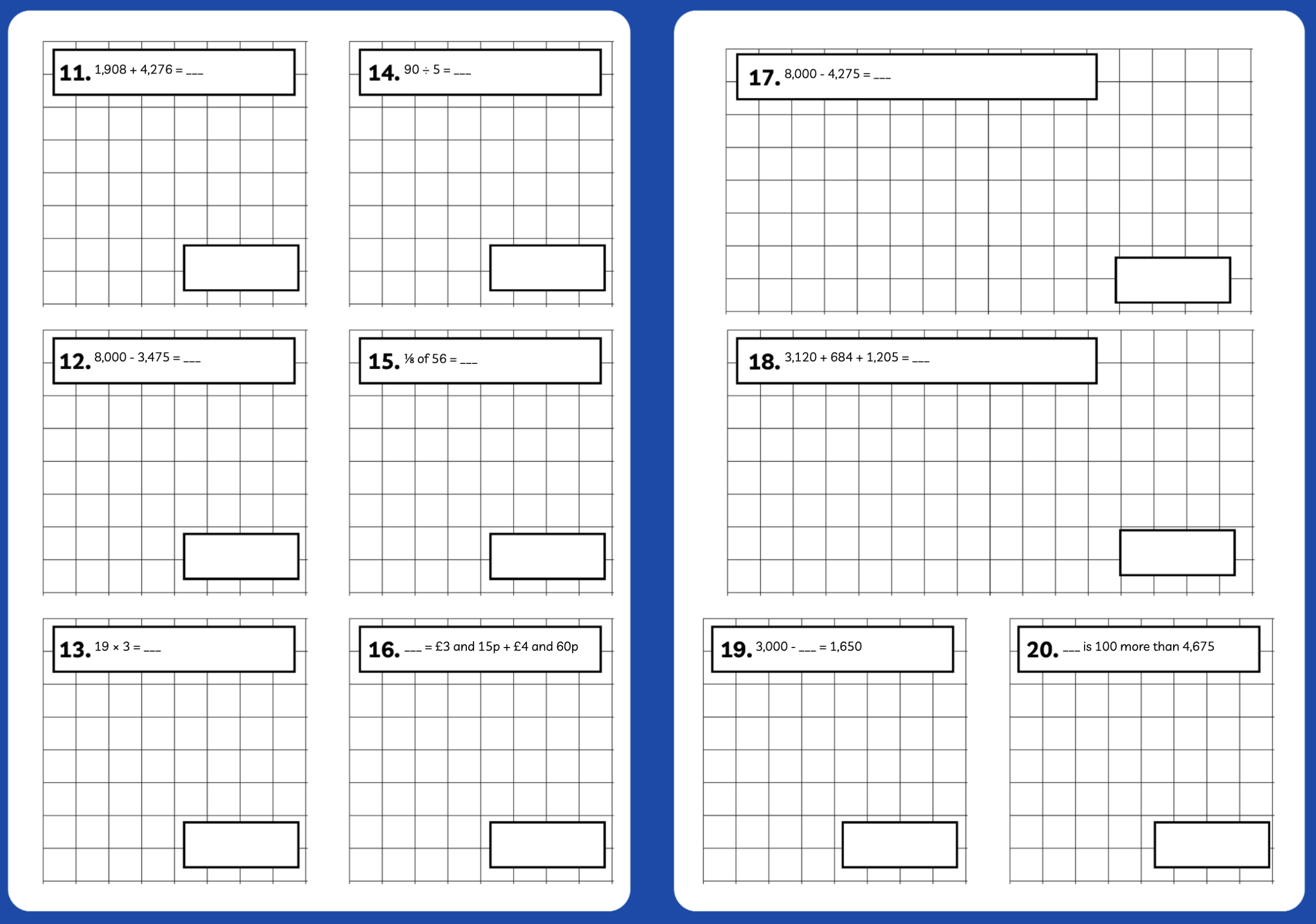
This free tool generates arithmetic slide decks automatically from Primary Maths Craft question banks. The slides are intended to support teacher planning, retrieval practice and arithmetic fluency.
Generated resources should always be reviewed by a teacher before use. Teachers and schools remain responsible for deciding whether the content, pitch and format are suitable for their pupils, curriculum sequence and school context.
Optional companion tool
Use the Assessment Book to turn marks into diagnostic insight
The PMC Arithmetic Assessment Book is an optional Google Sheets companion to ArithmeticPack. After generating your weekly arithmetic pack, paste the Assessment Map into the book, enter your class list, and mark Q1–Q20 each week. The dashboard then highlights repeated misconceptions, error patterns and possible intervention groups.
You can still use the arithmetic slides and worksheets without the Assessment Book.
Not sure what the Assessment Book does? See the quick guide before copying the template and learn how it turns weekly marks into useful teaching insight.
Find out how it worksHow it works
- Generate your ArithmeticPack.
- Paste the Assessment Map into the Assessment Book.
- Mark each weekly assessment and refresh the dashboard.
This opens a Google Sheets template and asks you to make your own copy. Google will ask you to authorise the workbook functions the first time you use them. Your copied sheet belongs to you or your school. Primary Maths Craft does not receive the pupil data entered into your copy.
Primary Maths Craft is the professional website of Philip Hackett, providing free educational resources and professional reflections to support primary mathematics practice.
Generator build 1.0.31